From label upload to cited findings
ArcheSync extracts label elements from an uploaded PDF or image and checks them against supported US labeling requirements. Its report assigns No issue, Review, Flag, or Info to each finding and includes a regulatory citation. Verify the extracted text, and investigate questions that need information beyond the uploaded artwork.
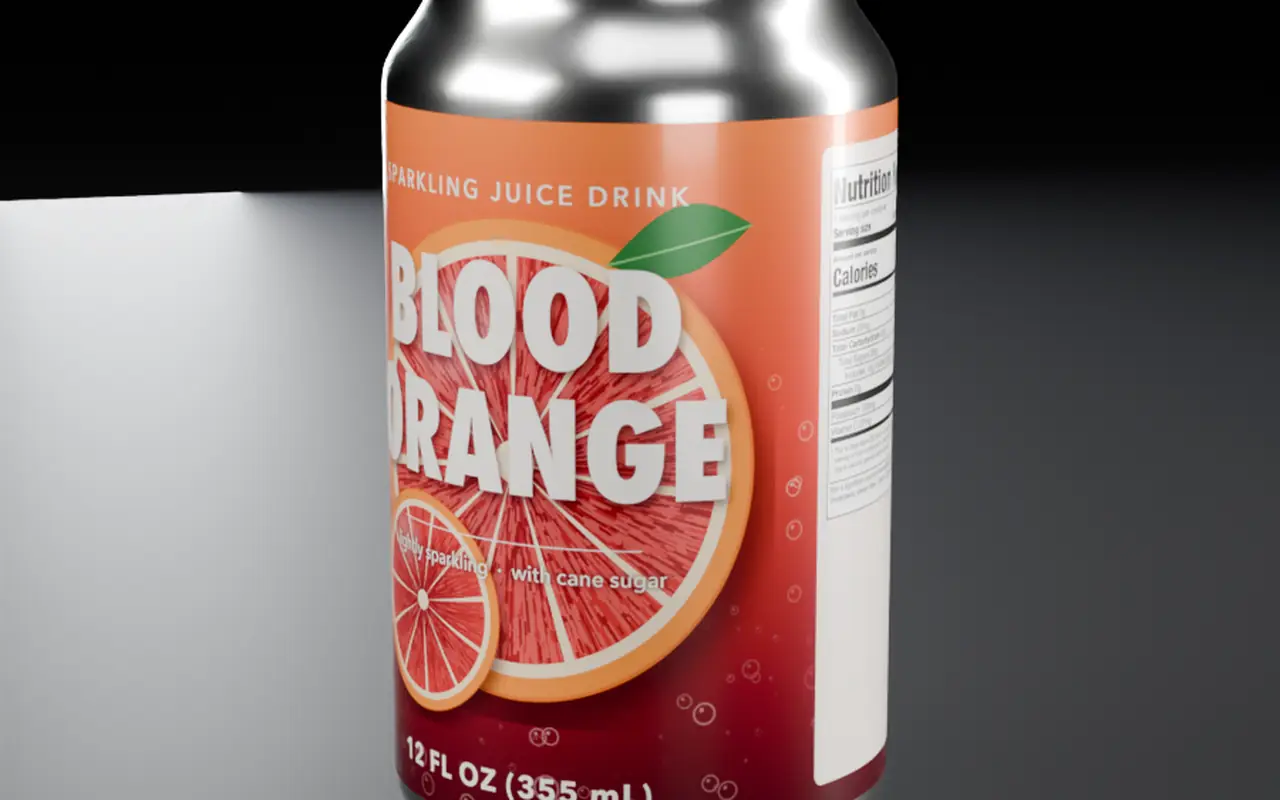
Four moves, one report.
The product interface is in Beta. The screens are not shown here yet; the report below uses demonstration artwork.
Upload the label
Upload the artwork as a PDF or an image and choose the product category, so the review uses the right set of checks. Upload every panel you want reviewed: the principal display panel and the information panel at minimum.
Accepted formats and limits: [TBD: file types, size and page limits]Check the extracted text
ArcheSync reads the label into elements: statement of identity, net quantity, the Nutrition or Supplement Facts panel, ingredients, allergen statement, claims, and the name and place of business. Text it cannot read is marked for review, never treated as passing.
Run the supported checks
Each element is checked against the provisions in the current rule set, such as 21 CFR 101.3 for the statement of identity or FD&C Act §403(w)(1) for allergen declarations. The methodology lists the sources and what is covered.
Read the findings
Every finding has one status and the clause it was checked against, so a reviewer can open the source and decide. Fix what is flagged, resolve what needs review, then upload the revised artwork.
What a finished report looks like.
Five elements from the demonstration noodle cup. The flagged row names the missing allergen source and cites the provision; the full sample adds the evidence and the suggested fix.
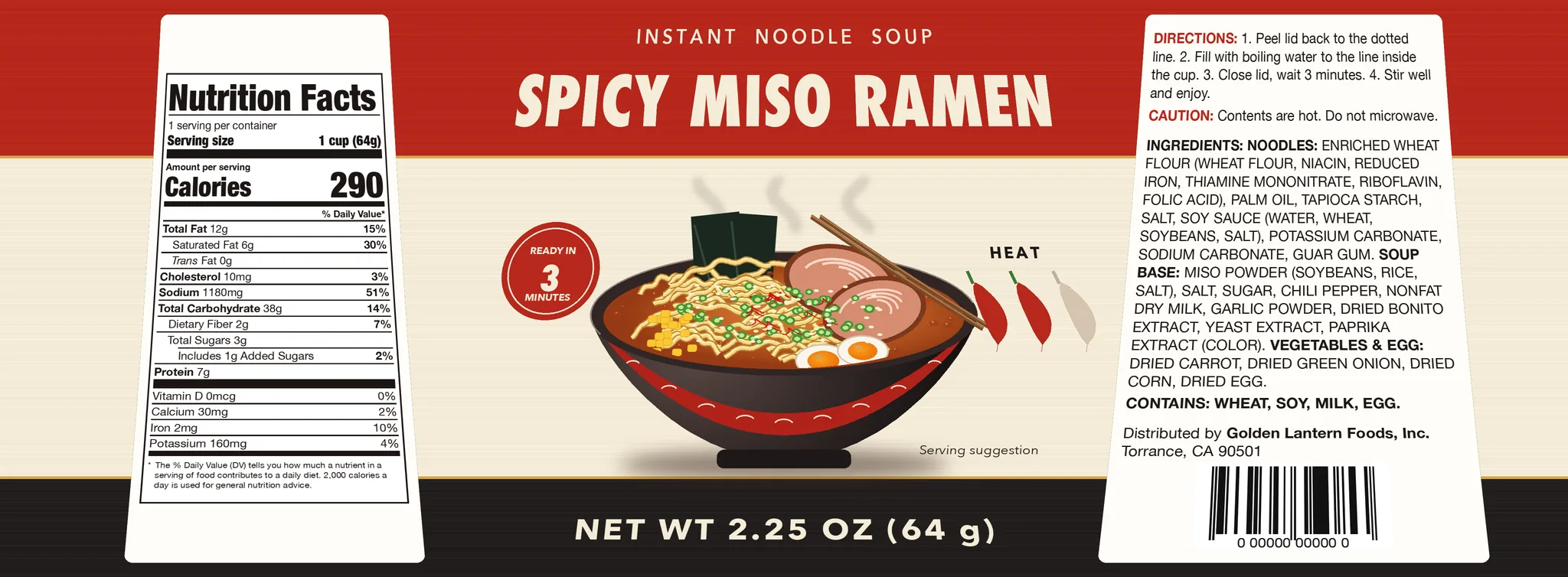
noodle_cup_label.pdf
Food, general food. Illustrative sampleUploaded5 elements extractedFindings with clauses
- No issueNutrition Facts for a single-serving container21 CFR 101.9
- No issueStatement of identity on the principal display panel21 CFR 101.3(a)
- No issueNet weight in ounces with grams, bottom 30% of the panel21 CFR 101.7(b)(1), (f); 15 U.S.C. 1453(a)(2)
- No issueIngredients in descending order by weight21 CFR 101.4(a)(1)
- Flag"Contains" statement omits Fish (bonito), used in the soup baseFD&C Act §403(w)(1); FDA allergen Q&A D.6
The four statuses.
- No issue
The supported check did not identify an issue in the available evidence.
- Review
A conclusion requires clarification, additional evidence, or human interpretation.
- Flag
The available evidence indicates a potential issue against a cited requirement.
- Info
Relevant explanatory information. Not an assertion of a violation or a pass.
What makes a reliable review.
Helps the review
- Flat, legible artwork for every panel, not a photo at an angle.
- The product category chosen correctly (food, dietary supplement or beverage).
- Text in English where US labeling requires it.
- The final artwork version you intend to print.
Needs your input or a specialist
- Type sizes and placement that depend on real package dimensions.
- Whether nutrient values match the formulation or lab results.
- Claim substantiation and any notifications filed with FDA.
- Whether a product is a conventional food, a beverage or a dietary supplement when that is unclear.
Questions
What files can I upload?
[TBD: Accepted file types, size limits and page limits are not final yet.]
What happens when text is unreadable?
An element ArcheSync cannot read is never reported as No issue. It comes back as Review, so you can confirm the text yourself or upload a clearer file.
What do the four statuses mean?
No issue: the supported check did not identify an issue in the available evidence. Review: a conclusion needs clarification, more evidence or human interpretation. Flag: the available evidence indicates a potential issue against a cited requirement. Info: relevant explanatory information, not a violation or a pass.
Review your label before your next artwork revision.
Upload a PDF or image. Findings come back with the citation attached.
Start freeIndependent software. Not affiliated with FDA.